How to Build a WhatsApp Appointment Booking AI in 5 Minutes (No Code)
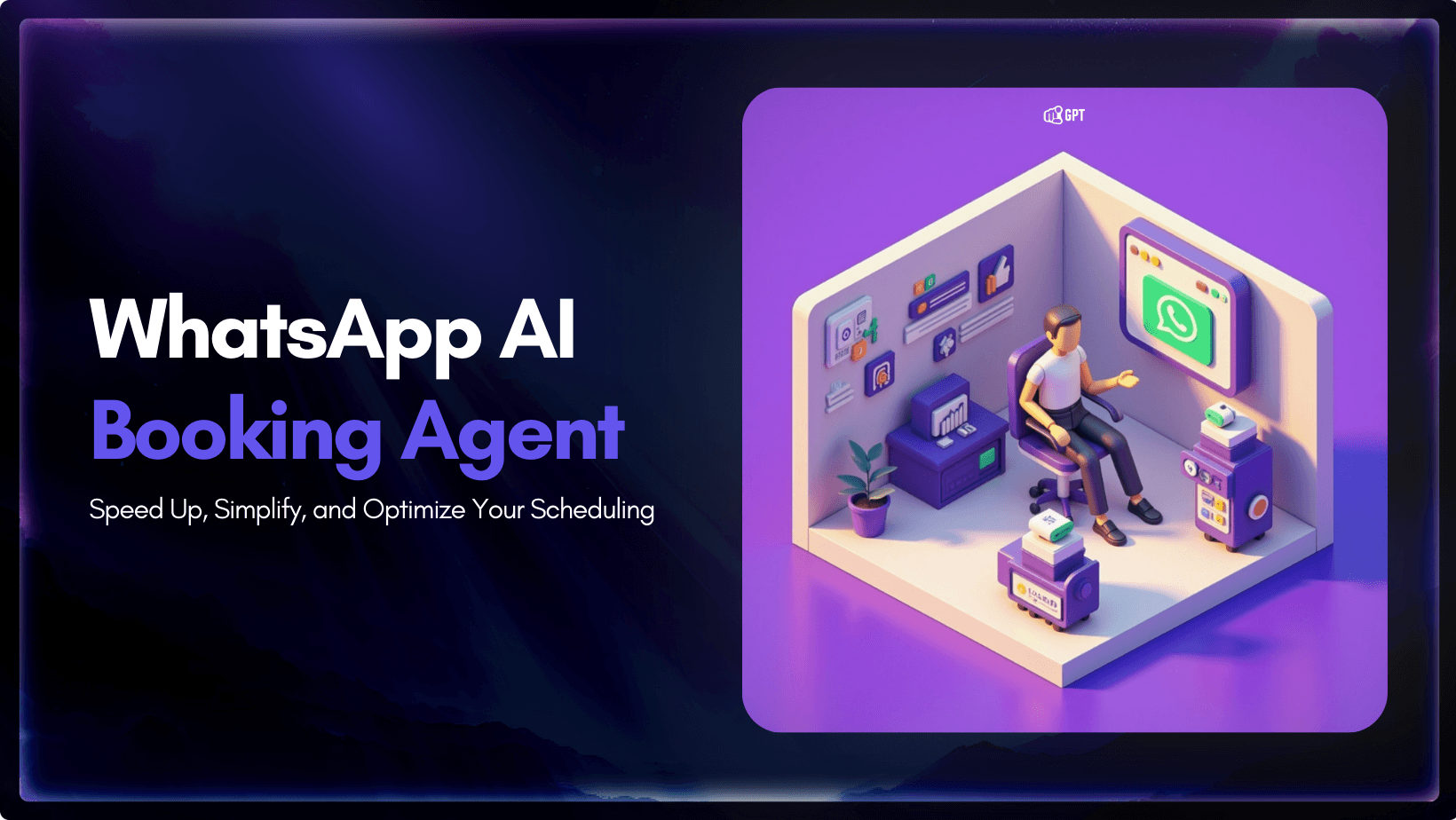
If you are still relying on manual appointment scheduling, your business is likely falling behind.
Missed confirmations, double bookings, and delayed responses do not just frustrate customers; they directly impact your revenue. These inefficiencies only multiply as your business scales, turning simple tasks into major operational bottlenecks.
WhatsApp isn’t just a messaging app — it’s where your customers already are. With over 2 billion users and 100 billion+ messages sent daily, it’s the most direct way to connect. And when you combine that with an AI chatbot, you eliminate delays, reduce no-shows, and give your team back hours every week.
This guide will help you build a WhatsApp appointment booking chatbot using YourGPT without writing a single line of code. We will cover the setup process, integration steps, and best practices to help you automate your scheduling immediately.
What is a WhatsApp Appointment Booking AI Agent ?
A WhatsApp appointment booking AI agent is a tool that helps businesses schedule and manage appointments through WhatsApp. It handles bookings, sends reminders, and updates calendars automatically, reducing the need for back-and-forth messages.
The AI actively converses with your customers to negotiate times, handle bookings, and update your calendar in real-time.
It effectively acts as a 24/7 digital receptionist that eliminates the friction of manual coordination and ensures you never miss a booking opportunity.
How It Works
The system takes over the scheduling process and handles it for you through a simple, automated conversation.
- Customer Initiates Chat: A client sends a message on WhatsApp expressing interest in booking a service or meeting.
- AI Collects Information: The agent naturally asks for essential details such as the preferred date, specific time, and the type of service required.
- Schedules the appointment: It instantly checks your linked calendar for availability and secures the booking to prevent double-booking.
- Automated Reminders: Some system sends timely notifications to the customer before their appointment to significantly reduce no-show rates.
- Seamless Management: Customers can easily reschedule or cancel their appointments through the chat, and the AI automatically updates your schedule to reflect the changes.
Why Use a WhatsApp AI Chatbot for Appointment Booking?
Managing appointments takes time and effort. A WhatsApp AI chatbot makes scheduling faster, easier, and more reliable. Here’s how it helps:
1. 24/7 Instant Responses – No More Waiting
Customers want quick answers. A AI agent answers questions, books appointments, and confirms details immediately, even outside business hours.
2. Automated Scheduling – Reduce Manual Work
Handling bookings, rescheduling, and reminders can be time-consuming. A chatbot automates these tasks, minimizing errors and freeing up staff for more important work.
3. Hassle-Free Booking – Simple and Convenient
A complicated booking process can frustrate customers. A chatbot makes scheduling easy with a few quick messages on WhatsApp. It also sends reminders to keep customers informed.
4. Seamless Integration – Syncs with Your Systems
The chatbot connects directly with your existing calendars, booking tools, and CRMs. This real-time synchronization ensures accurate scheduling and prevents the embarrassment and inefficiency of double bookings.
5. Scalable and Cost-Effective – Grows with Your Business
Traditionally, more appointments mean hiring more staff to manage the schedule. An AI chatbot breaks this cycle by handling thousands of simultaneous conversations without increasing your overhead costs. It is a smart long-term investment that scales instantly as your business grows.
A WhatsApp AI chatbot does more than just save time. It optimizes your entire customer journey. It helps businesses stay organized and efficient while making the appointment booking process effortless for clients.
How to Connect Your AI Chatbot to WhatsApp (Using YourGPT)

Integrating your AI chatbot with WhatsApp allows you to handle customer queries instantly, automate support tasks 24/7 and enagement. Before starting the setup process, ensure you have the necessary accounts ready.
Prerequisites: What You Need to Get Started
- ✅ YourGPT Account: An active account at yourgpt.ai to access the chatbot builder.
- ✅ Valid Phone Number: A phone number that can receive SMS/Calls (this must not be currently linked to a personal WhatsApp account).
- ✅ Meta (Facebook) Business Account: A verified business account with admin access to manage your WhatsApp assets.
Step-by-Step: Integrate WhatsApp with YourGPT
Follow these five steps to connect your AI agent to WhatsApp in minutes:
- Step 1: Access the Integration Hub: Log in to your YourGPT Dashboard, navigate to the Integrations tab, and select the WhatsApp (Auto Setup) option to begin the process.
- Step 2: Authenticate with Facebook: Log in using the Facebook Business account linked to your WhatsApp Business profile. Approve the necessary permissions.
- Step 3: Choose or Create a WhatsApp Business Account: If you already have a WhatsApp Business Account (WABA), simply select it from the list. If not, you can create a new one instantly by entering your business name, category, and description.
- Step 4: Verify Your Phone Number: Enter your WhatsApp Business number, choose SMS or call verification, and enter the OTP to confirm ownership.
- Step 5: Complete the Integration: Review your settings, confirm the connection, and launch the chatbot. You can now start automating conversations, appointment bookings, and support queries on WhatsApp.
Now our AI agent is connected with whatsapp, lets us setup our appointment booking Agent.
How to Set Up an AI-Powered Appointment Booking System
Setting up your own AI booking agent is faster than you think. Using YourGPT’s AI Studio, you can visually build the workflow without writing code. Follow this 5-step to launch your fully automated system in minutes:
- Open the AI Studio: Within your YourGPT Dashboard navigate to the AI Studio. This is the visual builder where you will design your agent’s workflow. Start by creating a new agent dedicated to handling your appointments.
- Set Up the Booking Intent: Define how the conversation starts. You can create a specific Booking Intent (triggered when user say like “I need an appointment”) or configure the New Session trigger to initiate the booking process automatically as soon as a customer opens the chat.
- Capture Essential Details: Drag and drop Capture Nodes into your flow. Configure these nodes to ask for and validate the specific information you need (such as the customer’s Name, Phone Number, and Preferred Date) ensuring the AI collects structured data every time.
- Connect Your Booking System: To ensure real-time availability, add an API Calling Node or Code Execute Node. This step integrates the AI directly with your appointment scheduling platform (like Google Calendar, Calendly, or ResOS), allowing the bot to check for free slots and secure bookings instantly.
- Test and Deploy: Once your flow is ready, click Deploy. Use the built-in emulator to test the booking agent yourself. Once verified, you can publish. Your agent is live and ready to manage appointments autonomously through WhatsApp.
You can also use our Studio AI copilot that will help you create your custom
With these steps, businesses can automate scheduling, minimize errors, and offer a seamless booking experience to customers.
FAQ
What is a WhatsApp Appointment Booking AI Chatbot?
It’s an automated tool that schedules, manages, and confirms appointments through WhatsApp, reducing manual work.
How does the chatbot schedule appointments?
It collects details like date, time, and service type, checks availability, confirms bookings, and sends reminders.
Do I need coding skills to set up this chatbot?
No, YourGPT allows you to build and deploy a chatbot without writing code.
Can customers reschedule or cancel their appointments?
Yes, the chatbot lets users modify or cancel appointments, updating records instantly.
Is the chatbot available 24/7?
Yes, it responds anytime, allowing customers to book or manage appointments whenever they need.
Does it integrate with booking and calendar systems?
Yes, YourGPT supports integration with tools like Google Calendar, Calendly, and CRM platforms.
How does the chatbot reduce missed appointments?
It sends automated reminders, keeping customers informed and reducing no-shows.
Can I customize chatbot responses?
Yes, businesses can personalize messages, booking agents, and AI-Generated Replies.
Who can benefit from this chatbot?
Any business that schedules appointments—healthcare, salons, consultants, and service providers—can use it.
Does it support multiple languages?
Yes, YourGPT chatbots can communicate in different languages to serve a wider audience.
How secure is customer data?
WhatsApp’s encryption and YourGPT’s security measures keep customer data safe.
Can the chatbot accept payments for bookings?
Yes, it can integrate with payment gateways for secure transactions.
How long does it take to set up?
With YourGPT, setup takes only a few minutes, depending on customization.
Can it handle large booking volumes?
Yes, the chatbot can manage multiple bookings at once without errors or delays.
Conclusion
Implementing a WhatsApp AI chatbot powered by YourGPT provides a practical solution for managing appointments efficiently. By automating routine tasks like scheduling, confirmations, you significantly reduce manual workload and minimize scheduling errors.
This system offers your customers the flexibility to book or reschedule at their convenience, 24/7, which directly helps reduce no-show rates. Meanwhile, YourGPT’s integrations ensure your calendar remains synchronized with your existing tools.
With built-in analytics and customization options, you can monitor performance and adjust responses to fit your business needs. In short, this approach leads to reduced administrative time and a more reliable booking experience for both your team and your clients.
Transform Your Customer Experience with Advanced AI chatbot
Join thousands of businesses transforming customer interactions with YourGPT AI
- ⚡️ 5-minute setup
- 🌐 Multi-lingual
- 🗣️ Voice Support
- 🔌 Omni-Channel Integration
No credit card required • Full access • Limited time offer

Related posts
18 Lead Generation Strategies & Tactics That Work in 2026