8 Best Email Tools for WooCommerce Stores in 2026
Managing email communication effectively is an important part of running a WooCommerce store in 2026. The right email tools help store owners automate notifications, segment customer lists, track engagement, and maintain reliable communication with shoppers. These tools support key functions such as order confirmations, abandoned cart reminders, welcome messages, and post-purchase updates.
This blog reviews the 8 best email tools for WooCommerce stores in 2026, focusing on features like integration with WooCommerce, automation workflows, email segmentation, personalization, transactional email support, and analytics.
By understanding what each tool offers, store owners can choose solutions that streamline communication, improve operational efficiency, and ensure consistent interaction with their customers.
Why Email Communication Tools Are Important for WooCommerce Stores
Email remains an important channel for WooCommerce stores because it supports both customer communication, support and customer engagement. It is used to send campaigns, but it also handles many of the routine interactions customers expect, including order confirmations, shipping updates, account emails, review requests, and post-purchase follow-ups. That makes email a practical part of how stores manage the customer experience across the buying journey.
Its value increases when it is connected to WooCommerce data such as product views, cart activity, order history, and previous engagement. Instead of sending the same message to every subscriber, stores can respond to real behavior with better timing and more relevant communication.
The right email tools can help you:
- recommend products based on browsing and purchase behavior
- recover abandoned carts before intent drops
- welcome new subscribers and guide them toward a first purchase
- send order, shipping, and post-purchase emails more efficiently
- collect reviews, feedback, and support requests after delivery
- run retention campaigns that bring customers back over time
For WooCommerce brands, email is not only a promotional channel. It also supports retention, customer experience, and more consistent communication from first visit to repeat purchase.
This makes them indispensable for ensuring smooth interactions, improving customer satisfaction, and fostering long-term relationships.growth.
What to Look for in a WooCommerce Email Tool
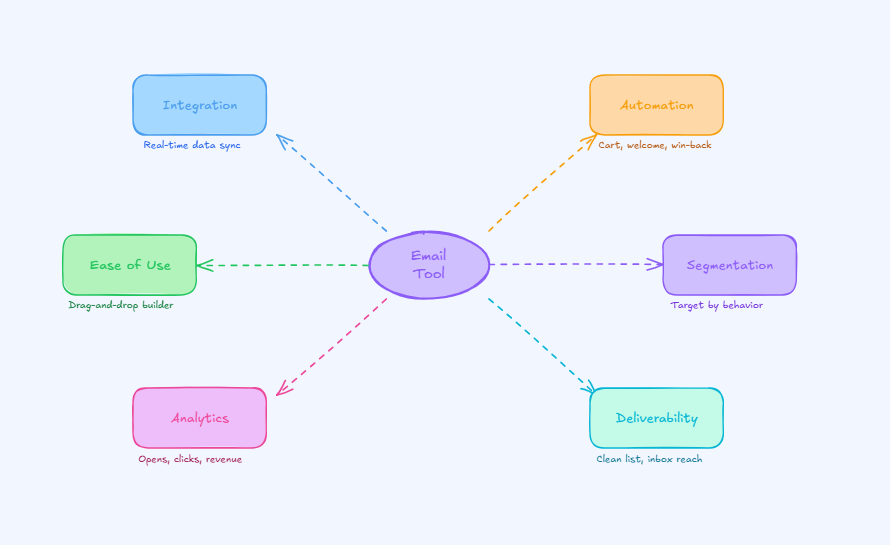
Choosing the right email tool directly impacts how effectively your WooCommerce store grows. Many successful stores rely on a combination of tools that handle specific tasks well, rather than forcing one platform to do everything.
Here are the key factors to consider:
- Strong WooCommerce integration : Real-time syncing of customer data, order history, and product details keeps your campaigns accurate and relevant.
- Automation capabilities : Support for essential flows like abandoned cart recovery, welcome emails, post-purchase follow-ups, and win-back campaigns helps reduce manual effort.
- Ease of use : A simple interface with drag-and-drop builders makes it easier to create and manage campaigns efficiently.
- Segmentation and personalization : Targeting users based on behavior, purchases, or interests allows you to send more relevant and higher-converting emails.
- Analytics and reporting : Insights into opens, clicks, conversions, and revenue help you measure performance and refine your strategy.
- Cross-channel flexibility: For many stores, email works best when it connects with chat, SMS, support, and other customer touchpoints.
The best choice depends on how you operate. A lean store may want simplicity and native WordPress workflows. A more advanced brand may need deeper segmentation, lifecycle orchestration, or AI-powered automation across multiple communication channels.
Best Email Tools for WooCommerce Stores by Category
Before going tool by tool, here is the fastest way to think about the category:
- Best for AI-led customer communication: YourGPT
- Best for advanced lifecycle marketing: Klaviyo
- Best for omnichannel ecommerce automation: Omnisend
- Best for automation plus CRM: ActiveCampaign
- Best for list hygiene: Email Verification for WooCommerce by WPFactory
- Best for cost-effective marketing and transactional email: Brevo
- Best WordPress-native option: MailPoet
- Best for simplicity and ease of use: MailerLite
Top 8 Email Tools for WooCommerce Stores in 2026
Boost your store’s revenue and customer engagement with powerful email tools designed specifically for WooCommerce. From automation to personalization, these platforms help you turn visitors into loyal customers.
1. YourGPT
YourGPT is an AI-first platform that helps WooCommerce stores manage email communication as part of a broader customer engagement and support workflow. For teams handling high volumes of inquiries, follow-ups, and post-purchase communication, it can support email use cases such as customer support responses, order-related updates, and lifecycle communication with more speed and consistency. Instead of relying entirely on manual replies and disconnected tools, businesses can use YourGPT to make email handling more efficient while keeping responses grounded in real business context.
When connected to WooCommerce and other systems through APIs, webhooks, and related integrations, YourGPT can use store data such as order details, customer activity, and business information to support more relevant email interactions. It is useful choice for WooCommerce businesses that want email communication to be more responsive, context-aware, and closely connected to support, sales, and operational workflows.
Features:
- AI Agent Platform for Customer Communication: YourGPT helps WooCommerce businesses manage customer conversations across email, chat, WhatsApp, and other channels through AI agents trained on business data.
- Email as Part of Omnichannel Support: Email works as one channel within a broader communication system, helping teams keep conversations connected instead of managing each touchpoint in isolation.
- Business-Context Responses: YourGPT uses knowledge sources such as documents, website content, FAQs, and connected systems to generate responses grounded in real business context.
- Action-Oriented Workflow Automation: Beyond replying to messages, YourGPT can support lead qualification, routing, follow-ups, record updates, and other multi-step workflows.
- Unified Inbox Experience: Teams can manage conversations across channels from one place, which improves continuity and reduces fragmentation.
- No-Code Configuration: Businesses can set up AI behavior, workflows, and knowledge sources without relying heavily on engineering.
Pros:
- Broader Than Email Alone: Supports email within a wider customer communication and automation setup.
- Better Continuity Across Channels: Helps businesses maintain context when conversations move between email, chat, and messaging platforms.
- Grounded in Business Data: Responses are shaped by your store and business knowledge rather than generic text generation.
- Useful for Support, Sales, and Operations: Works well for businesses that want AI to do more than handle basic email interactions.
Cons:
- Not a Dedicated Email Marketing Platform: It is not built primarily for newsletter creation, campaign design, or advanced email marketing workflows.
- May Be More Than Some Stores Need: Businesses looking only for simple promotional email tools may find it broader than required.
Best For:
WooCommerce businesses that want email communication to work alongside AI-driven support, sales, and operational workflows, rather than relying only on a traditional email marketing tool.
2. Klaviyo
Klaviyo is widely used by WooCommerce stores that rely on data to drive their marketing decisions. It offers deep integration with WooCommerce, allowing you to use customer behavior such as product views, purchases, and on-site activity to create more targeted email campaigns.
The platform focuses on helping businesses build detailed customer segments and automate communication based on real actions, which makes campaigns more relevant and measurable.
Features:
- Advanced segmentation : Create targeted audiences based on purchase history, browsing behavior, and customer value.
- Automation and flow builder : Set up workflows for abandoned carts, browse abandonment, welcome emails, and win-back campaigns.
- Revenue tracking and analytics : Track performance with clear insights into opens, clicks, and revenue generated from each campaign.
- Email and SMS support : Manage both email and SMS campaigns from one platform for better customer reach.
- Product catalog integration : Sync your WooCommerce store to include products directly in emails for more personalized communication.
Pros:
- Strong data integration with WooCommerce
- Detailed segmentation for targeted campaigns
- Clear reporting with revenue attribution
- Supports both email and SMS marketing
Cons:
- Pricing can increase as your contact list grows
- May require time to fully understand and use advanced features
Best For:
Mid to large WooCommerce stores that want to use customer data for more precise targeting and measurable growth.
3. Omnisend
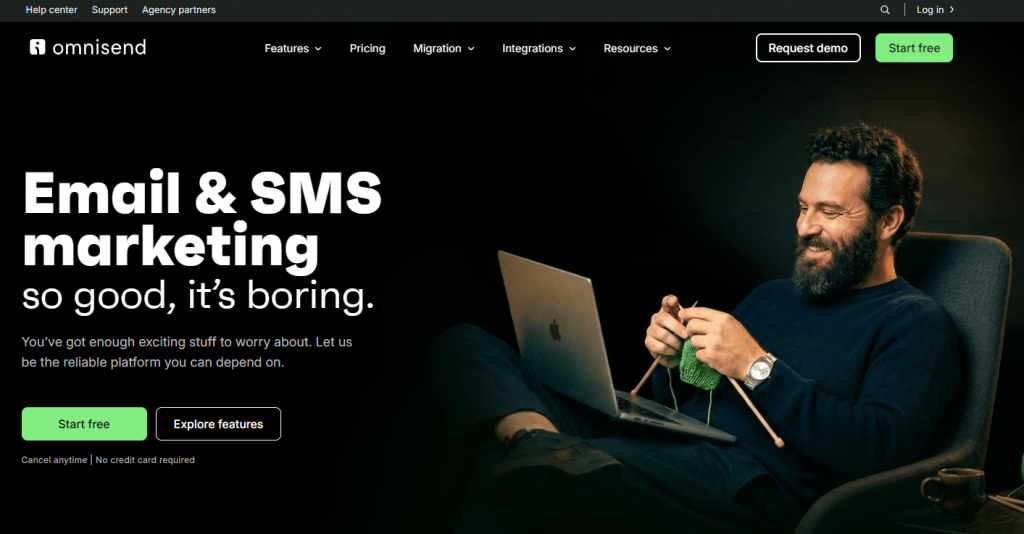
Omnisend is built for ecommerce businesses that want to manage email, SMS, and other channels from one place. It integrates smoothly with WooCommerce, syncing customer and order data so you can create campaigns based on real shopping behavior.
The platform focuses on making automation simple while still giving you enough control to run targeted and effective campaigns across multiple channels.
Features:
- Pre-built ecommerce workflows : Ready-to-use automation for cart recovery, welcome emails, order follow-ups, and cross-sell campaigns.
- Drag and drop email builder : Easy-to-use editor with templates designed for ecommerce campaigns.
- Omnichannel marketing : Combine email with SMS and web push notifications to reach customers across different touchpoints.
- Segmentation and targeting : Group customers based on behavior, purchase activity, and engagement.
- Automation and testing : Set up behavior-based campaigns and run A/B tests to improve performance.
- Analytics and reporting : Track campaign results with insights into engagement and sales performance.
Pros:
- Strong multichannel support including email, SMS, and push
- Easy setup with pre-built ecommerce workflows
- User-friendly interface for beginners
Cons:
- Some advanced features are only available in higher plans
- Limited customization compared to more advanced platforms
Best For:
Growing WooCommerce stores that want simple automation with multichannel marketing capabilities.
4. ActiveCampaign
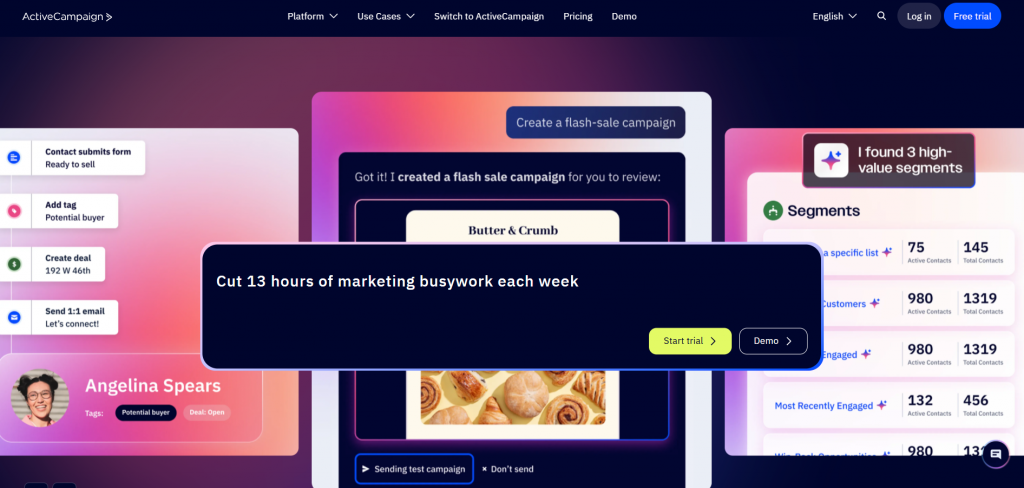
ActiveCampaign is a strong choice for WooCommerce stores that want more control over their customer journeys. It combines email marketing, automation, and CRM in one platform, allowing you to manage communication and relationships across the entire customer lifecycle.
With its WooCommerce integration, you can use purchase data, site activity, and custom fields to create highly targeted campaigns. It works well for businesses that see email as part of a larger sales and engagement strategy.
Features:
- Visual automation builder : Create workflows using if-then conditions to guide customers through different paths based on their behavior.
- Built-in CRM : Manage contacts, track interactions, and organize customers using tags and lifecycle stages.
- Segmentation and targeting : Build detailed segments using purchase history, engagement data, and custom fields.
- Email marketing tools : Drag and drop email builder with support for dynamic and conditional content.
- Automation and testing : Set up campaigns based on customer actions and run split tests to improve performance.
- Multi-channel communication : Includes options for email, SMS, and on-site messaging. Live chat is available through integrations.
- Reporting and insights : Track campaign performance with detailed reports on engagement and conversions.
Pros:
- Advanced automation with strong conditional logic
- Built-in CRM for better customer management
- Flexible segmentation and personalization options
Cons:
- Takes time to learn and set up advanced workflows
- Some features depend on higher-tier plans
Best For:
WooCommerce stores that want to combine email marketing with CRM and build detailed, behavior-driven customer journeys.
5. Email Verification for WooCommerce (WPFactory)
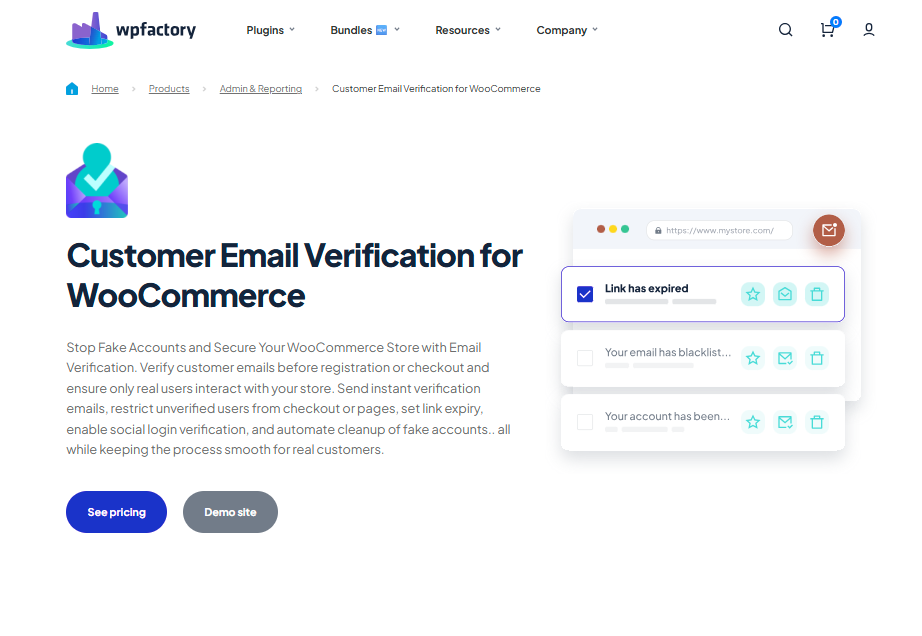
Email Verification for WooCommerce by WPFactory helps keep your customer list clean from the start. It focuses on verifying user email addresses during signup or checkout, so only valid users are added to your store and marketing lists.
By reducing fake or incorrect email entries, it supports better deliverability and improves the overall quality of your email campaigns. It works directly within WooCommerce and is easy to manage from the WordPress dashboard.
Features:
- Email verification at registration and checkout : Require users to confirm their email address before completing registration or placing an order.
- Guest and existing user support : Option to verify guest users and prompt existing customers who have not confirmed their email.
- Customizable verification emails : Edit email content and control settings like verification links and expiry time.
- Role-based control : Skip verification for specific user roles such as admins or trusted customers.
- Admin management tools : View and manage unverified users directly from the dashboard.
- Free and Pro versions :Core features available for free, with advanced options offered in the paid version.
Pros:
- Easy to set up within WordPress and WooCommerce
- Helps reduce fake or invalid email registrations
- Supports better email deliverability and list quality
Cons:
- Focused on verification, not a full email marketing solution
- Needs to be used alongside email marketing tools
Best For:
All WooCommerce stores that want to maintain a clean email list and improve the effectiveness of their email marketing from the beginning.
6. Brevo (formerly Sendinblue)
Brevo is a practical choice for WooCommerce stores that want both marketing and transactional email capabilities in one platform. It integrates with WooCommerce to sync customer and order data, making it easier to manage campaigns and essential store communications together.
The platform is known for its affordability and offers a mix of email, SMS, and basic CRM features, making it suitable for stores that want solid functionality without high costs.
Features:
- Email and transactional messaging :Manage promotional campaigns and order-related emails such as confirmations and updates from one platform.
- Automation workflows : Create campaigns triggered by customer actions like purchases, order value, or engagement.
- SMS marketing support : Run SMS campaigns alongside email to reach customers on multiple channels.
- Forms and landing pages : Build signup forms and simple landing pages to capture leads.
- Segmentation and targeting : Segment users based on behavior, order history, and engagement.
- Reporting and deliverability tools : Access performance insights and tools that help improve email delivery.
- Free plan availability : Offers a free tier with limited daily email sends and access to core features.
Pros:
- Affordable pricing compared to many competitors
- Supports both transactional and marketing emails
- Includes SMS and basic CRM features
Cons:
- Advanced automation features are limited on lower plans
- Interface may feel basic for complex campaign setups
Best For:
WooCommerce stores that want a cost-effective solution with both marketing and transactional email capabilities.
7. MailPoet
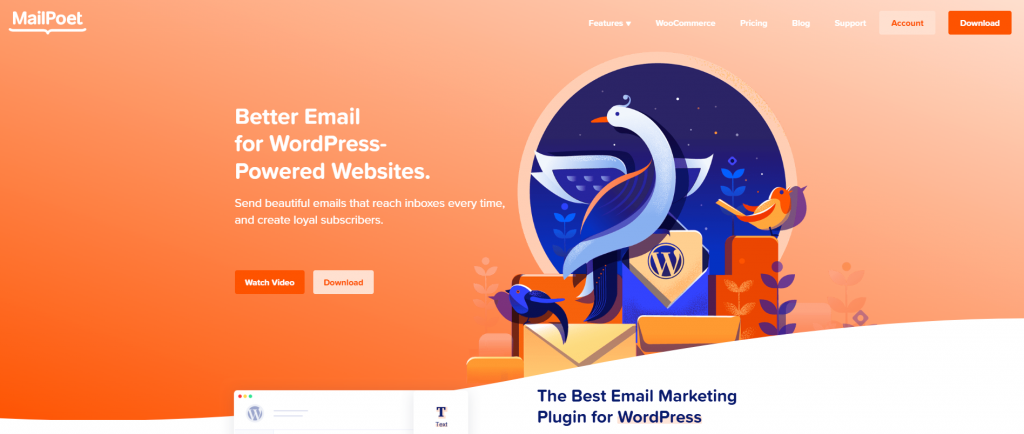
MailPoet is designed for WordPress and WooCommerce users who prefer managing email marketing directly from their dashboard. It allows you to create, send, and automate emails without relying heavily on external platforms.
With its native WooCommerce integration, MailPoet uses store data such as purchases and customer activity to run targeted campaigns, making it a convenient option for store owners who want a simple and unified setup.
Features:
- Native WooCommerce integration : Syncs customer and order data to send emails based on real store activity.
- Built-in ecommerce automations : Includes workflows for welcome emails, abandoned carts, and post-purchase follow-ups.
- Email and newsletter builder : Create campaigns using a drag and drop editor with ready-to-use templates.
- Segmentation and targeting : Group subscribers based on purchase history and engagement.
- Flexible sending options : Send emails using your own hosting server or MailPoet’s sending service.
- Subscriber management : Manage lists, track engagement, and control email preferences within WordPress.
Pros:
- Fully integrated within the WordPress dashboard
- Easy to use with minimal setup required
- Supports both transactional and marketing emails
Cons:
- Sending limits on the free plan
- May require a paid plan for larger email lists or higher volume
Best For:
WooCommerce users who want a simple, native email solution managed entirely within WordPress.
8. MailerLite
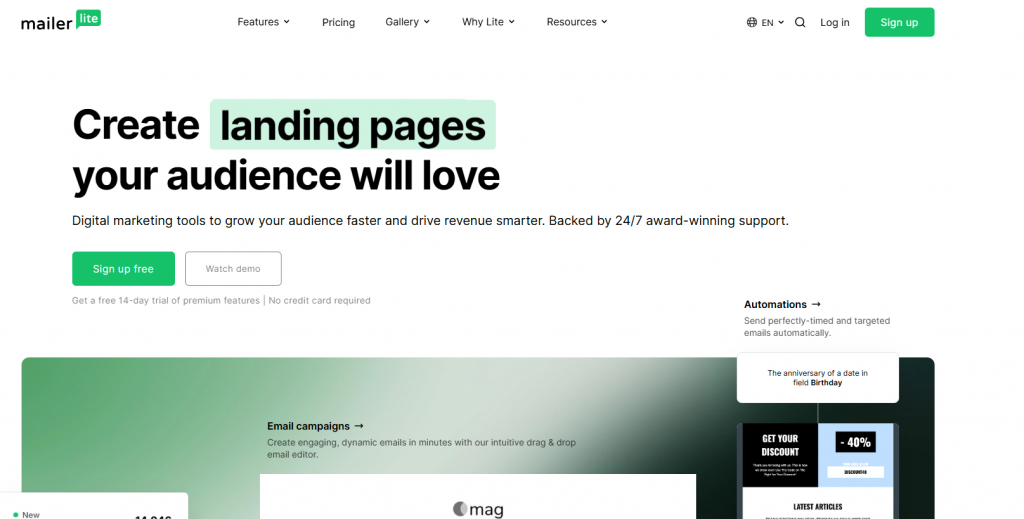
MailerLite is a simple and reliable email marketing tool that works well for WooCommerce stores looking for ease of use and steady performance. Its integration allows you to trigger campaigns based on store activity, helping you stay connected with customers through relevant messaging.
The platform is known for its clean interface and balanced feature set, making it a good option for businesses that want professional results without added complexity.
Features:
- Automation workflows : Create email sequences triggered by actions such as purchases, signups, and engagement.
- Drag and drop editor : Build emails, forms, and landing pages using an easy visual editor.
- Segmentation and targeting : Organize subscribers based on behavior, activity, and basic ecommerce data.
- Responsive templates : Use mobile-friendly templates designed for better engagement.
- Surveys and forms : Collect customer feedback and grow your email list through built-in tools.
- Reporting and analytics : Track campaign performance with insights into opens, clicks, and engagement.
Pros:
- Clean and beginner-friendly interface
- Affordable pricing for small and growing stores
- Reliable deliverability and performance
Cons:
- Fewer advanced ecommerce features compared to specialized platforms
- Limited depth in segmentation for complex campaigns
Best For:
Small to medium WooCommerce stores that want an easy-to-use email marketing tool with essential features and good value.dium stores seeking professional results without a steep learning curve.
How to Get Better Results from Your Email Tool
The platform matters, but email performance usually comes down to how well the system is built around the store.
For WooCommerce brands, the biggest gains often come from a small number of flows that map to real customer moments:
- welcome emails that set expectations early
- abandoned cart emails that recover missed sales
- post-purchase follow-ups that keep the experience moving
- replenishment reminders that bring customers back at the right time
- review requests that turn completed orders into social proof
These usually do more for revenue and retention than sending broad campaigns on repeat.
Relevance is what lifts email from average to effective. That means using actual store signals, not just adding a first name to the subject line. What matters is what the customer viewed, what they bought, how recently they ordered, and what they are likely to need next. WooCommerce-connected tools are more useful here because they can work from live store activity instead of treating every subscriber like they belong in the same segment.
As a store grows, list quality starts to affect everything. A cleaner database, better customer data, and stronger sender health improve deliverability, make automations more dependable, and give you reporting that is easier to trust.
It also helps to judge email by business impact, not just surface engagement. Open rate can still be useful, but it does not say much on its own. A better picture comes from tracking click-through rate, recovered revenue, repeat purchase contribution, flow conversion, retention, and any reduction in support load where email plays a role.
The strongest email setups are not built around sending more. They are built around sending the right message when it actually helps.
FAQ
Which email marketing tool is best for a beginner WooCommerce store? ▼
If you’re just starting out, go for a tool that is simple and quick to set up. You don’t need complex automation on day one. Focus on tools that let you send campaigns and basic automations without technical friction, so you can learn and grow gradually.
Why isn’t WooCommerce’s default email system enough? ▼
WooCommerce handles order confirmations and receipts, but it doesn’t help you market. You won’t be able to send campaigns, recover abandoned carts, or segment customers effectively without a dedicated email marketing platform.
What email automations should I set up first? ▼
Start with high-impact flows: a welcome email for new subscribers, an abandoned cart sequence, and a post-purchase follow-up. These cover the most important customer touchpoints and can generate results quickly.
How can I recover more abandoned carts with email? ▼
Send your first reminder within a few hours while the intent is still fresh. Keep the message clear, show the exact items left behind, and reduce friction with a direct checkout link. Incentives can help, but timing and clarity matter more.
When should I upgrade to advanced tools like Klaviyo? ▼
Upgrade when you have consistent traffic and enough customer data to benefit from segmentation and personalization. Advanced tools make sense once you’re optimizing performance—not when you’re still figuring out the basics.
How do I keep my emails out of spam folders? ▼
Use a verified domain, avoid emailing inactive users, and maintain a clean list. Sending relevant content consistently—and not too frequently—helps build trust with email providers and improves deliverability.
What should I send besides promotional emails? ▼
Balance promotions with value-driven content. Share product tips, restock alerts, guides, or helpful updates. This keeps your audience engaged and builds long-term trust instead of only pushing sales.
What is the biggest mistake store owners make with email marketing? ▼
Most stores fail due to inconsistency. Either they don’t set up key automations or they stop optimizing after initial setup. Even simple strategies work well when they are maintained and improved over time.
Conclusion
Building a reliable communication system for a WooCommerce store in 2026 means investing in a channel you can reach customers through directly. Social platforms change constantly, search visibility rises and falls, but your subscriber list still gives you access to people who have already shown interest in your products. The right tools help you turn that access into communication that feels timely, relevant, and natural.
Modern platforms like YourGPT, Klaviyo, and Omnisend have made it easier for WooCommerce stores to send communication that is more timely, more relevant, and less manual to manage. Instead of relying on the same message for every customer, stores can use automation, customer behavior, and product data to make campaigns and follow-ups feel more aligned with what is actually happening.
What sets it apart from the others on this list is how it links customer communication to the business world. It can do more than just automate campaigns; it can also help with product-related questions, follow-ups, and other email exchanges by using information from your shop, knowledge sources, and connected systems.
If your WooCommerce team wants communication to feel more knowledgeable and less repetitious, this can be a helpful addition.
You can see how strong these tools are in the little things. The cart reminder that comes just when a consumer is ready to buy or the check-in email that asks how a new purchase is doing are two examples. These automated moments make it easy to stay in touch without having to do any work, and they make sure that no shopper gets lost.
The best WooCommerce stores are the ones that don’t spam their customers’ inboxes. If you use the appropriate tool to offer timely and useful updates, you can stop doing plain marketing and start constructing a shop that customers want to come back to. Being consistent, helpful, and letting your email system do the hard work while you take care of other parts of your business are the keys to success.

Related posts


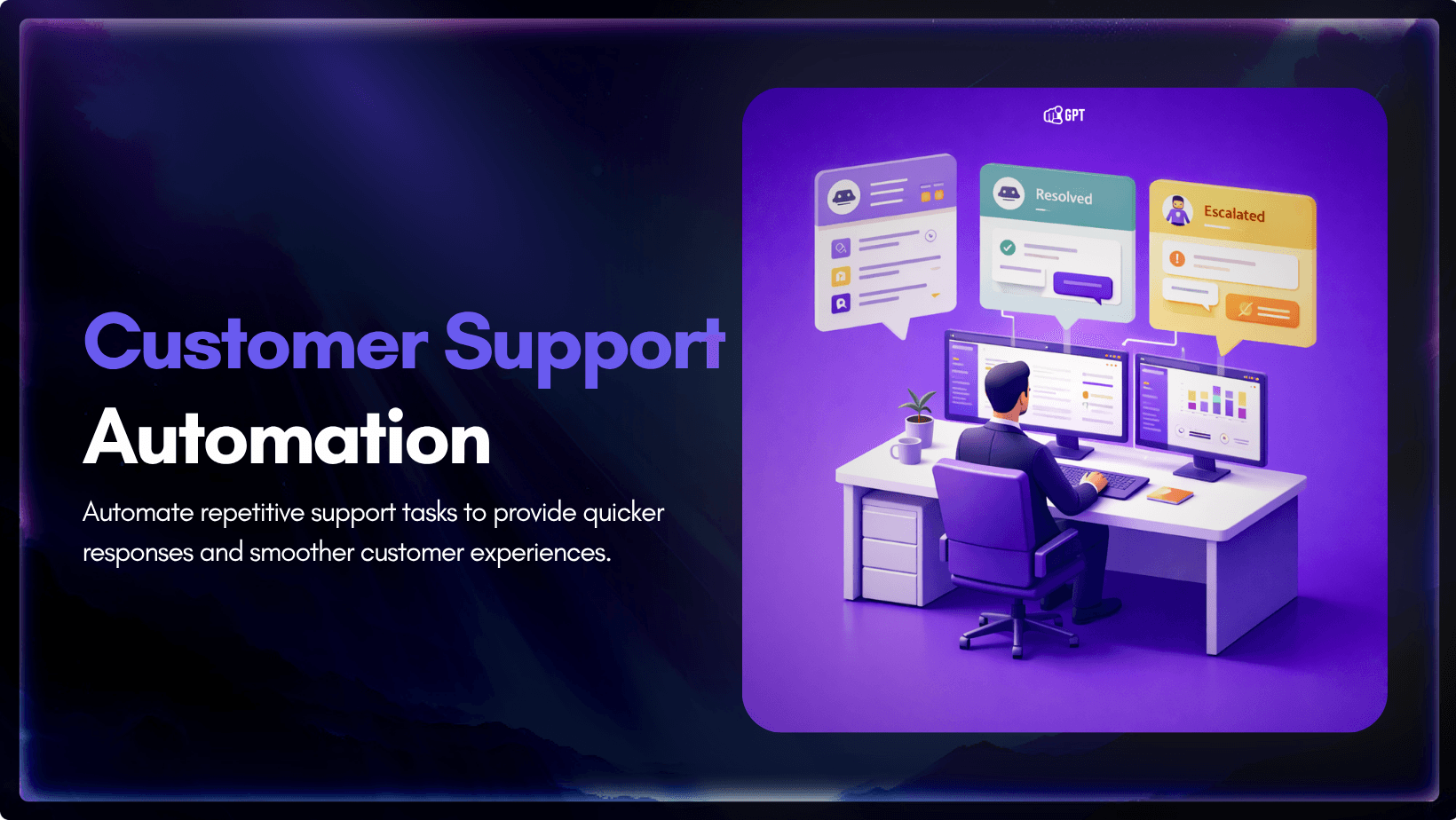
Customer Support Automation: A Complete Guide for Support Teams