8 Best Zoho Desk Alternatives & Competitors in 2026

TL;DR
Zoho Desk keeps its strongest AI assistant, native live chat, and process automation behind Professional and Enterprise, and that gap drives most of the switching.
YourGPT builds AI agents that resolve support, sales, and operations requests directly instead of routing everything into a ticket queue.
Freshdesk, Zendesk, and HubSpot Service Hub offer a more automation-heavy version of the same ticket-based model Zoho Desk already uses.
Intercom, Help Scout, Front, and Tidio each solve a narrower problem, spanning messaging-led support, simple shared inboxes, and ecommerce chat.
The right alternative depends on whether the goal is fewer tickets through AI resolution or a stronger version of the ticket queue itself.
Zoho Desk earns its reputation as the budget pick in help desk software. Five tiers, a real free plan, and per-agent pricing that undercuts Zendesk and Freshdesk at nearly every level make it an easy first choice for a growing support team, which is exactly why so many of those same teams start looking at Zoho Desk alternatives within the first year.
The friction shows up later. Teams pick Zoho Desk for the price and then discover that the AI assistant, live chat, and process automation they wanted in the first place live on Professional or Enterprise, not the plan they signed up for. The interface that felt manageable at three agents starts to feel dense at fifteen. And Zoho’s context-aware ticketing still treats every customer message as a ticket first and a conversation second, which is exactly the model some teams are trying to move away from.
None of this makes Zoho Desk a poor product. It suits teams already running on Zoho’s other business apps that want SLA-driven structure and predictable per-seat cost. For teams where that description doesn’t fit, here are eight platforms worth comparing, from AI-first agent platforms to simpler shared inboxes.
Why Teams Look for Zoho Desk Alternatives
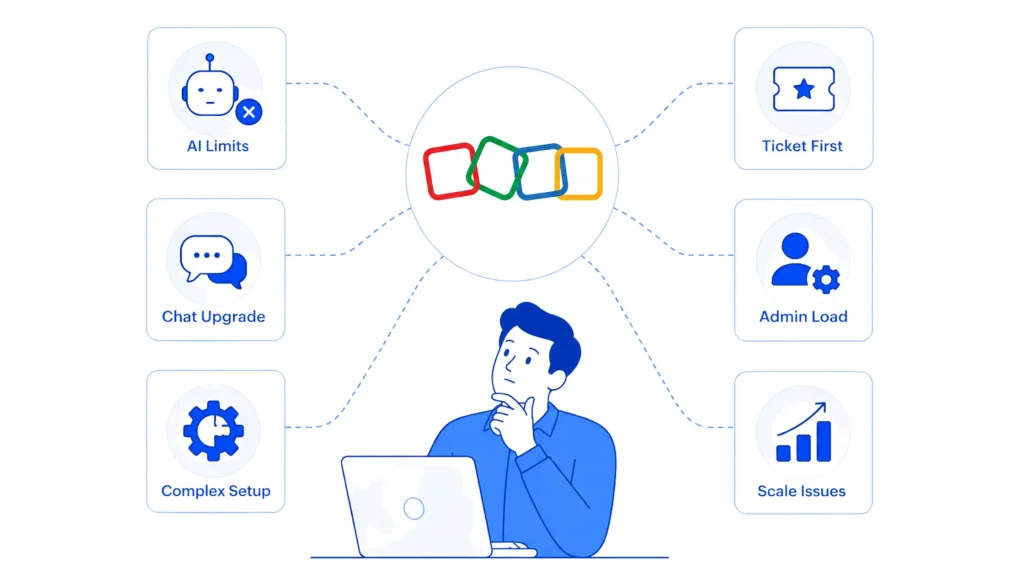
Zoho Desk runs from a free plan for up to three agents through Enterprise at $40 per agent per month on annual billing, undercutting Zendesk and Freshdesk at nearly every tier, per multiple 2026 pricing trackers. The tradeoffs show up once a team scales past the entry plans.
- Generative AI is bring-your-own-key on the cheapest tier, and Zia stays gated higher up. Basic generative AI ships on Express using a self-supplied API key, the Answer Bot only arrives on Standard, and the full Zia assistant, generative, predictive, and analytical, sits behind Professional and Enterprise. On Zoho’s published tier structure, that means a team paying the $7 Express rate doesn’t get real AI capability until it moves to the $23 Professional plan or the $40 Enterprise plan.
- Live chat lives on Enterprise only. Chat runs through Zoho SalesIQ rather than natively inside Desk, and it doesn’t show up until the top tier. A team that starts on Express or Standard and later wants website chat faces a real upgrade jump rather than a settings toggle.
- Setup rewards a dedicated admin. Departments, Blueprint workflows, and permission profiles all need configuring, and Capterra’s aggregated review data flags a steep learning curve and a cluttered interface as the most common complaints.
- Every interaction is still a ticket first.Zoho’s context-aware model pulls in CRM history and sentiment, but the base unit of work stays a ticket, which matters most for teams trying to cut ticket volume through AI deflection.
Quick Glance
| Platform | Best For |
|---|---|
| YourGPT | AI agents that resolve support, sales, and operations tasks across chat, voice, and messaging |
| Freshdesk | Zoho-style value ticketing with a deeper built-in AI layer |
| Zendesk | Larger support orgs that need deep reporting and enterprise workflow |
| Intercom | Messaging-first support with an AI agent billed per resolution |
| Help Scout | Small teams that want a shared inbox instead of a formal ticket queue |
| HubSpot Service Hub | Teams that want support tied directly into a CRM and sales pipeline |
| Front | Email-heavy teams that collaborate on shared inboxes rather than queues |
| Tidio | Ecommerce brands that want chat-first support with a Shopify-friendly AI agent |
Best Zoho Desk Alternatives for 2026
Below are eight platforms teams evaluate once Zoho Desk stops fitting, covering both AI-first agent platforms and stronger versions of the same ticket-based model. Every price below was confirmed directly against each vendor’s own live pricing page.
1. YourGPT
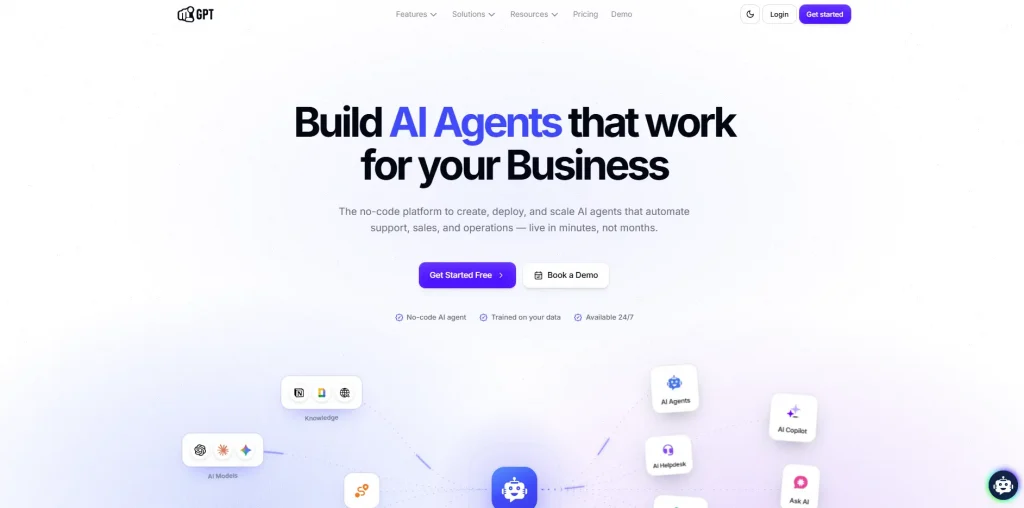
YourGPT is a no-code, AI-first platform for building agents that handle customer support, sales, and operations. It skips the ticket-queue model entirely and instead gives agents a trained knowledge base plus the ability to take real actions inside a conversation.
A support question can get answered, a refund can get processed, and an order can get updated in the same interaction, without a ticket ever getting created. For more advanced logic, AI Studio adds conditional branching, API calls, and custom code on top of the no-code builder, and agents carry the same context across web, WhatsApp, Instagram, Slack, Telegram, email, and voice.
Features:
- No-code agent builder plus AI Studio for multi-step workflows with conditional logic, API calls, and custom Python or JavaScript
- Agents that execute actions such as refunds, order lookups, and backend workflow triggers instead of only suggesting replies
- Omnichannel deployment across web, WhatsApp, Instagram, Slack, Telegram, email, and voice with shared context
- Native MCP integration for connecting outside tools and pulling live data into a conversation
- Self-learning that improves accuracy from real conversations and human feedback over time
- Model choice across OpenAI, Anthropic, Google, and xAI
Limitations:
- Product iteration is fast, so features and the interface change often
- Advanced AI Studio workflows go smoother with some technical familiarity on the team
- No permanent free tier, only a 7-day trial
Pricing:
- Essential: $39/month billed annually, 2 chatbots, 10 million AI Credits, 3 team members
- Professional: $79/month billed annually, 5 chatbots, 30 million AI Credits, AI Studio, API access
- Advanced: $349/month billed annually, 10 chatbots, 100 million AI Credits, custom branding
- Enterprise: custom pricing
- 7-day free trial, no credit card required
Best for: Teams that want AI to resolve requests directly across support, sales, and operations, rather than assist agents working a ticket queue.
2. Freshdesk
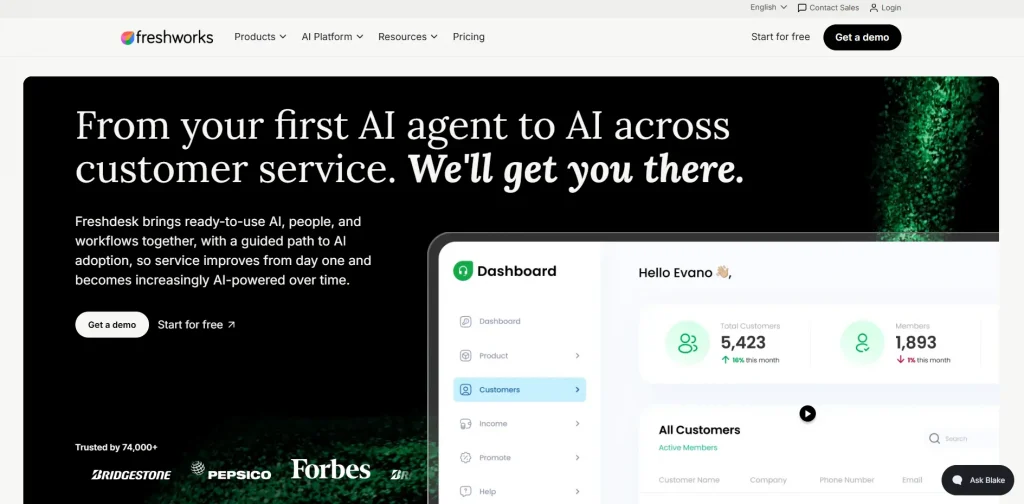
Freshdesk is Freshworks’ cloud-based ticketing platform, built around a unified inbox that pulls in email, chat, phone, and social messages so support teams can work every channel from one place. It ships with Freddy, an AI agent that can resolve a portion of conversations on its own using the knowledge base and past tickets.
Freshdesk is one of the more direct like-for-like competitors to Zoho Desk, since both compete heavily on price and both bundle a self-service portal, automation rules, and reporting into their entry tiers. Where Freshdesk pulls ahead is in how deeply AI is woven into the core plans rather than reserved for the top tier alone. Teams that outgrow Zoho Desk’s AI limits but still want a ticketing-first tool, not a full AI agent platform, tend to land here.
Features:
- Unified ticketing across email, chat, phone, and social channels
- Freddy AI Agent included on every plan, with the first 500 sessions per month covered
- Self-service portal and multilingual knowledge base
- Workflow automation with triggers, macros, and SLA rules
- Team collaboration tools including internal threads and linked tasks
- Custom dashboards with out-of-the-box analytics and reporting
Limitations:
- Freddy AI Copilot for human agents is a separate $29-per-agent add-on, not included in any base plan
- Performance and search can slow at large ticket volumes
- Deeper reporting customization trails what Zendesk offers
Pricing:
- Growth: $29/agent/month billed annually
- Pro: $79/agent/month billed annually (most popular)
- Enterprise: $119/agent/month billed annually
Best for: Teams that want a Zoho Desk-style value ticketing platform with a deeper built-in AI layer and more room to grow at the top tier.
3. Zendesk
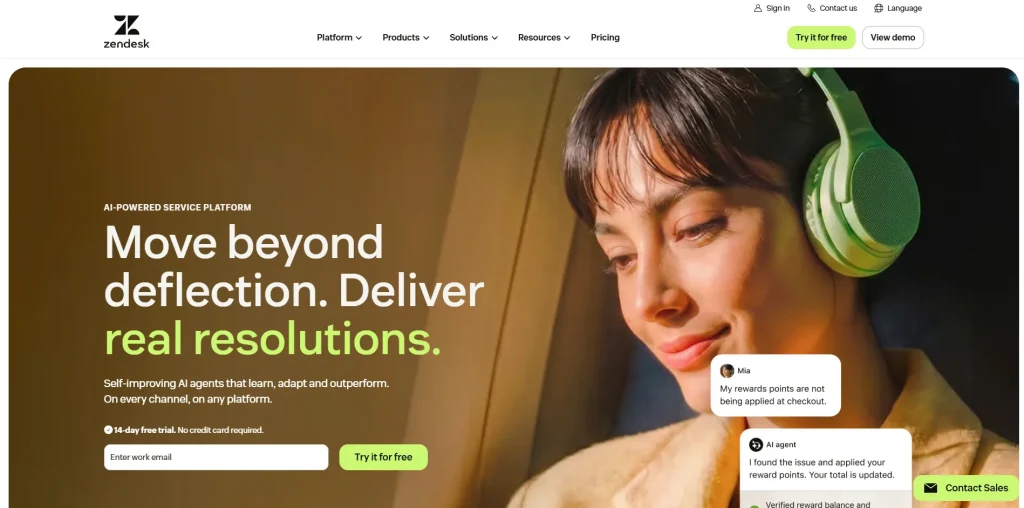
Zendesk is one of the most established ticketing platforms on the market, built around Suite plans that bundle ticketing, messaging, a help center, and AI tools into tiered pricing. The entry-level Support plan covers email and ticketing only, without live chat, voice, or AI Agents, which pushes most real deployments toward the Suite tier instead. Suite plans add omnichannel routing, AI Agents, and a large third-party app marketplace, with deeper automation and reporting unlocked at each step up.
Zendesk markets its AI Agents as able to resolve a large share of complex issues autonomously, billed on a per-resolution model rather than bundled into the seat price. For teams moving off Zoho Desk because they’ve outgrown its reporting or want a larger app marketplace, Zendesk is usually the first name that comes up, even though the total cost climbs quickly once add-ons are involved.
Features:
- Omnichannel Suite plans covering email, chat, and social messaging
- AI Agents that resolve conversations on an outcome-based billing model
- Deep reporting and a marketplace of 1,800+ apps and integrations
- Skills-based and round-robin routing on higher tiers
- Admin Copilot and AI-powered Quick Reports on Suite Professional and above
- Action Builder for multi-step automation across Zendesk and third-party systems
Limitations:
- AI was added onto an existing ticketing system, not built in from day one
- Copilot and the Workforce Engagement Bundle each add $50 per agent per month on top of the base plan
- Suite Enterprise + Copilot is quote-only, so the true top-tier price isn’t public
Pricing:
- Support Team (email and ticketing only): $19/agent/month billed annually
- Suite Team: $55/agent/month billed annually
- Suite Professional (most popular): $115/agent/month billed annually
- Suite Enterprise + Copilot: custom, contact sales
- Copilot add-on: $50/agent/month
Best for: Larger support organizations that need enterprise-grade reporting, integrations, and workflow control, and can absorb Zendesk’s add-on costs.
4. Intercom
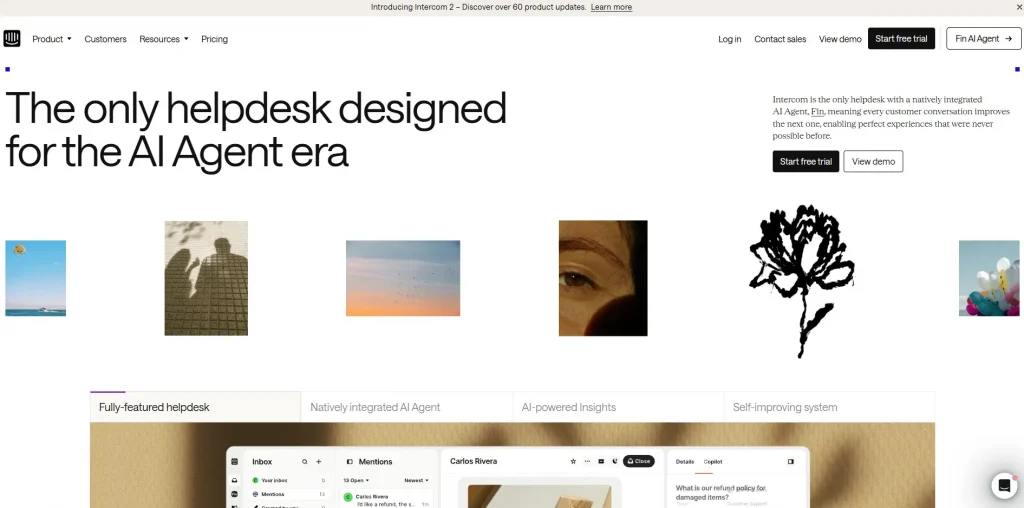
Intercom is a messaging-first customer platform built around a shared inbox, in-app messaging, and Fin, its AI agent, which resolves conversations on a pay-per-outcome basis rather than a flat seat fee. All plans include Fin AI Agent access along with unlimited live chat, inbound email, in-app chats, banners, and tooltips. Intercom has leaned further into AI-first positioning after signing an agreement to be acquired by Salesforce in 2026, with Fin now central to how the product is marketed.
The seat tiers mostly determine which collaboration and reporting features a team gets, while the AI resolution cost scales separately and can become the larger line item at real volume. Teams evaluating Intercom against Zoho Desk are usually choosing a more polished, messaging-native experience over a traditional ticket queue, and paying a premium for it.
Features:
- Shared inbox with SLAs, assignment rules, and team collaboration
- Fin AI Agent for automated resolution across chat and email, billed per outcome
- Multiple team inboxes and a workflows automation builder on Advanced and above
- Private and multilingual Help Center
- Proactive messaging, product tours, and in-app campaigns through Proactive Support Plus
- SSO, HIPAA support, and multibrand Messenger on Expert
Limitations:
- Fin’s per-resolution cost has no default cap, so high-volume teams can see unpredictable bills
- Copilot for human agents is a separate $29-per-agent add-on, on top of Fin
- The jump from Essential to Advanced is close to 3x, and much of what teams need day to day (workflows, assignment rules) sits on Advanced, not Essential
Pricing:
- Essential: $29/seat/month billed annually (a limited-time 35% new-customer promo brings this to $19/seat/month as of August 2026, confirm current rate before publish)
- Advanced: $85/seat/month billed annually, includes 20 free Lite seats
- Expert: $132/seat/month billed annually, includes 50 free Lite seats
- Fin AI Agent: from $0.99 per resolution, included on every plan
- Copilot add-on: $29/agent/month, Pro add-on: from $99/month, Proactive Support Plus: $99/month
Best for: SaaS and messaging-led teams that want a polished chat experience with AI resolution billed by outcome instead of by seat.
5. Help Scout
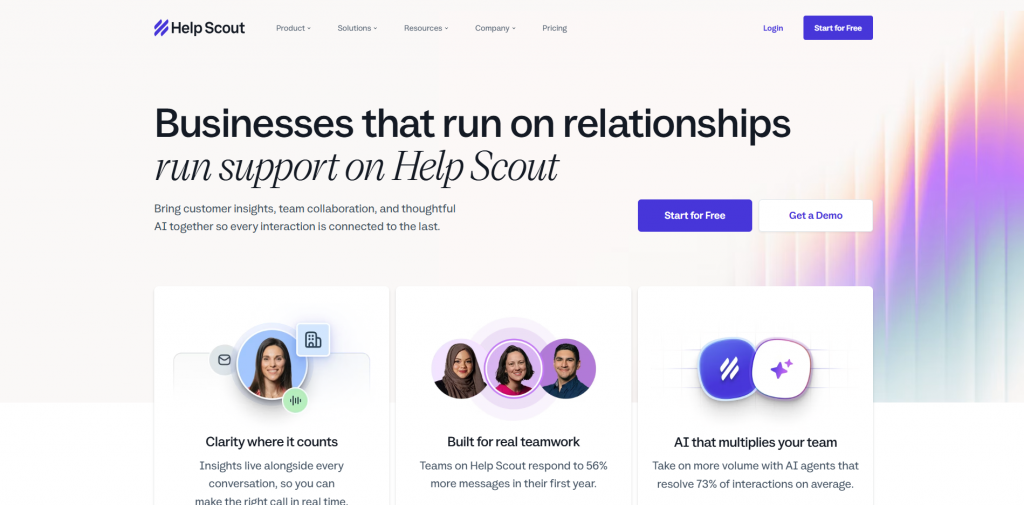
Help Scout replaces the ticket queue with a shared inbox that looks and feels like email, built for teams that want structure without the overhead of a formal ticketing system. Conversations from email, live chat, Messenger, Instagram, and WhatsApp land in one inbox, and Help Scout leans on internal notes and tags rather than a heavy workflow engine to keep things organized.
The AI toolset splits by tier, with lighter AI Assist editing tools on Standard and AI Drafts plus AI Summarize reserved for Plus and above. A separate AI Answers add-on can resolve customer questions automatically for a per-resolution fee, with a 3-month free trial included for new accounts. Compared with Zoho Desk, Help Scout trades away deep process automation like Blueprints for a much simpler day-to-day experience, which suits smaller teams better than growing multi-department ones.
Features:
- Shared inbox with tagging, assignment, and internal notes
- Docs knowledge base and the Beacon in-app support widget
- AI Drafts and AI Summarize on Plus and Pro, lighter AI Assist editing on every paid tier
- AI Answers chatbot add-on for automated customer-facing resolution
- Salesforce, Jira, and HubSpot integrations on Plus and above
- Round-robin routing and multiple SLA policies on Plus and Pro
Limitations:
- Standard doesn’t include AI Drafts or Summarize, only the lighter AI Assist editing tools
- Pro requires a sales conversation and a 10-user minimum, not a self-serve signup
- Phone and SMS are available only through a third-party integration, not natively
Pricing:
- Free: up to 5 users, 1 inbox, 1 Docs site
- Standard: $25/user/month
- Plus: $45/user/month
- Pro: $75/user/month, 10-user minimum
- AI Answers add-on: $0.75 per resolution, with a 3-month free trial included
Best for: Small and mid-sized teams that want a simple, human-feeling support tool instead of a heavier ticketing system.
6. HubSpot Service Hub
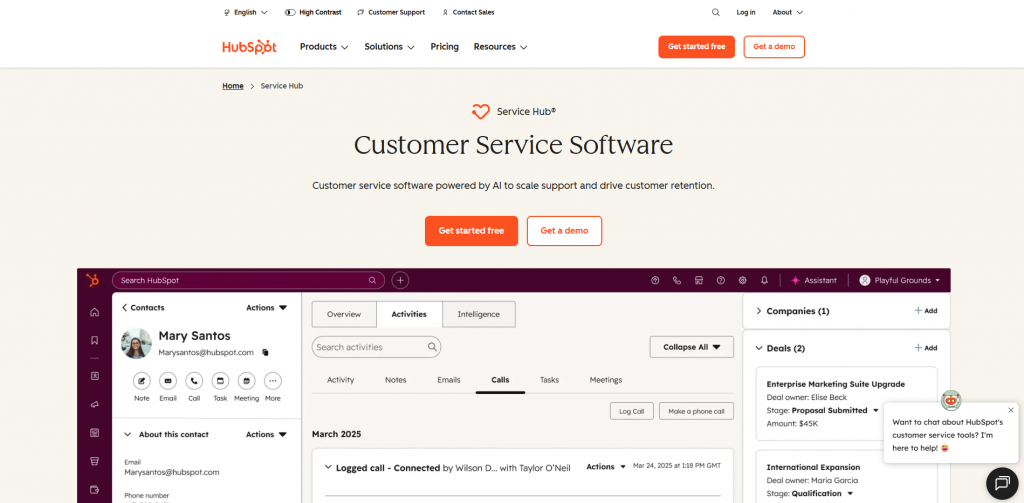
Service Hub is HubSpot’s support product. It sits on top of the same CRM record used by HubSpot’s marketing and sales tools. That means support history, deals, and marketing activity all stay in one place. Tickets, live chat, and a knowledge base form the core of the product. Breeze Customer Agent, HubSpot’s AI support agent, layers on top starting at Professional.
Pricing runs per seat, and the higher tiers carry mandatory onboarding fees, a real difference from most other tools on this list. Service Hub makes the most sense for teams already running, or planning to run, HubSpot’s Sales or Marketing Hub. Much of its value comes from that shared CRM record more than the ticketing tools alone. Teams evaluating it purely as a standalone help desk against Zoho Desk should weigh the onboarding costs before comparing seat prices.
Features:
- Ticketing tied directly to the shared HubSpot CRM record
- Breeze Customer Agent, HubSpot’s AI support agent, on Professional and Enterprise
- Customer feedback tools, surveys, and a help center
- Playbooks and templates shared across service, sales, and marketing
- Reporting that spans the full customer lifecycle, not only support tickets
- HubSpot Credits system for usage-based AI features, with Pay-as-You-Go top-ups
Limitations:
- Professional and Enterprise both carry mandatory one-time onboarding fees on top of the seat price
- Most of Service Hub’s value depends on also running HubSpot’s CRM, Sales, or Marketing tools rather than using it standalone
- Enterprise has a 10-seat minimum, which rules it out for very small teams
Pricing:
- Free: $0/month, up to 2 users
- Starter: $7/seat/month billed annually
- Professional: $90/seat/month billed annually, plus a one-time $1,500 onboarding fee
- Enterprise: $150/seat/month billed annually, plus a one-time $3,500 onboarding fee
Best for: Teams that already run sales or marketing on HubSpot and want support data connected to the same CRM record instead of living in a separate system.
7. Front
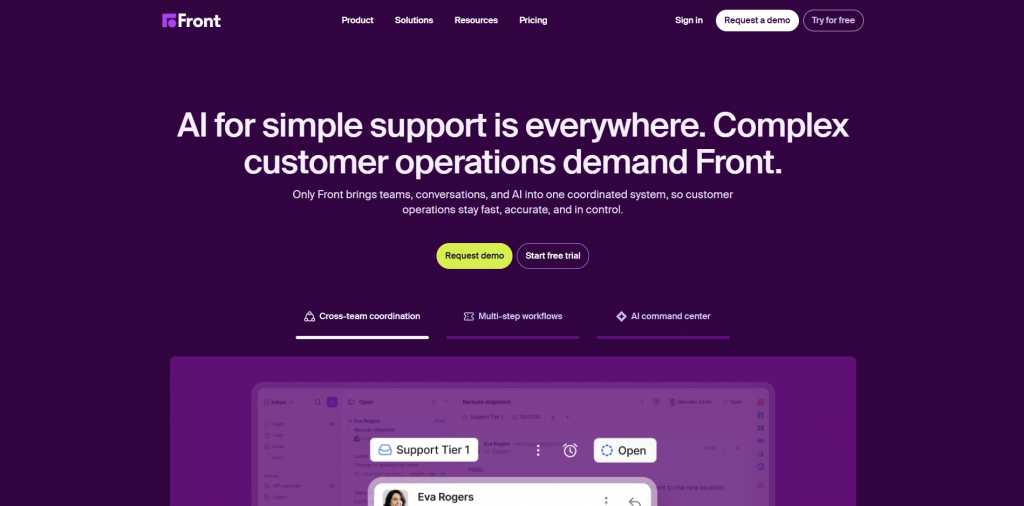
Front is a shared inbox built around collaborative email, designed for teams that need internal visibility into who’s handling a conversation rather than a formal ticket queue. It combines the familiarity of an email client with assignment, internal comments, and collision detection so multiple people can work the same inbox without duplicating replies. Starter is capped at a single channel type and 10 seats, which makes Professional the practical starting point for any team that wants both email and chat or SMS in one place.
Front’s native AI splits into an autonomous Autopilot agent billed by usage, and assistive Copilot, Smart QA, and Smart CSAT tools priced per seat, bundled by default only on Enterprise. Teams coming from Zoho Desk tend to consider Front when the real bottleneck is internal collaboration and shared visibility, not ticket volume or automation depth.
Features:
- Shared inbox with assignment, internal comments, and collision detection
- Omnichannel support on Professional and above, spanning email, chat, and SMS
- Autopilot, an autonomous AI agent billed per conversation for automated resolution
- Copilot, Smart QA, and Smart CSAT as per-seat AI add-ons, bundled by default on Enterprise
- Analytics on team and individual response performance
- Rules-based automation for routing and tagging
Limitations:
- The collaborative-inbox model doesn’t scale the way a queue-based ticketing system does at high ticket volume
- Seat caps per tier (10 on Starter, 50 on Professional) mean growing teams hit an upgrade wall earlier than on per-agent platforms
- AI tools are paid add-ons on Starter and Professional, and only bundled by default on Enterprise
Pricing:
- Starter: $25/seat/month billed annually, capped at 10 seats and one channel type
- Professional: $65/seat/month billed annually, up to 50 seats, omnichannel
- Enterprise: $105/seat/month billed annually, AI Copilot, Smart QA, and Smart CSAT included
- Copilot add-on: $20/seat/month (included in Enterprise)
- Smart QA add-on: $20/seat/month (included in Enterprise), Smart CSAT add-on: $10/seat/month (included in Enterprise)
- Autopilot: usage-based, starting at $0.05 per conversation
Best for: Email-heavy teams, such as account management, partnerships, or logistics groups, that value shared visibility over queue-based ticketing.
8. Tidio
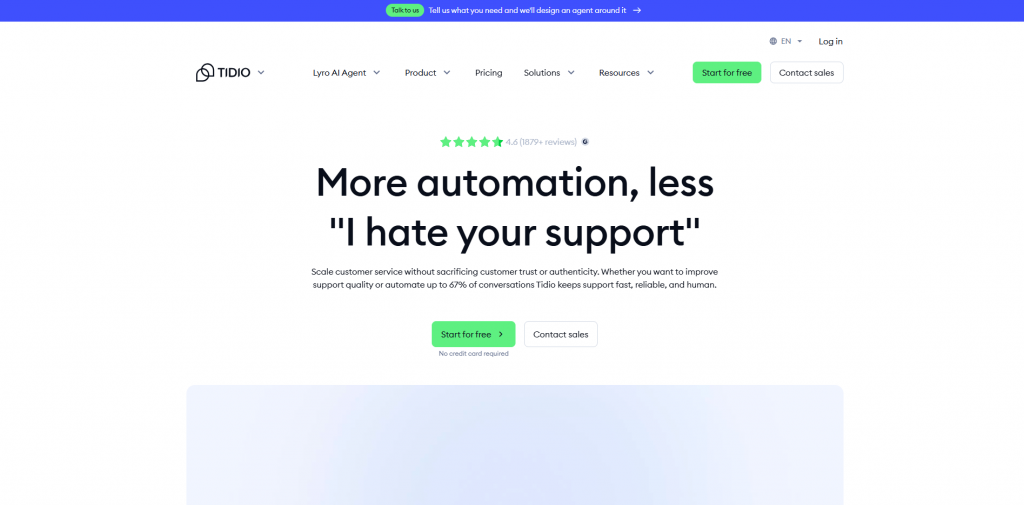
Tidio is a chat-first support platform built for small and mid-sized ecommerce brands, combining live chat, ticketing, chatbot flows, and Lyro, its AI agent, in one dashboard. Rather than pricing per agent, Tidio bases its plans mainly on billable conversations, which changes the cost math compared with every seat-based tool on this list. Lyro and Flows can both get bought as standalone add-ons on top of a Customer Service plan, priced separately by conversation and visitor volume.
Tidio integrates tightly with Shopify, which makes it a common pick for ecommerce teams that want quick order-status answers without standing up a full help desk. Compared with Zoho Desk, Tidio trades ticketing depth and process automation for a much simpler setup built specifically around chat and a storefront.
Features:
- Live chat and a visual chatbot flow builder
- Lyro AI Agent trained on a store’s own content, including order-status lookups
- Strong Shopify integration for ecommerce-specific support
- Multichannel messaging across web chat, email, Messenger, Instagram, and WhatsApp
- Real-time visitor tracking for proactive chat triggers
- REST API access, available starting on the free plan
Limitations:
- Pricing is billable-conversation-based, so total cost is harder to predict upfront than a flat seat fee
- The jump from Growth to Plus is steep, with no mid-tier option between them
- Self-serve plans cap out at 10 agents, so larger teams need the custom-seat Plus or Premium tier
Pricing:
- Free: $0/month, 50 billable conversations, 10 seats
- Starter: from $24.17/month billed annually, 100 billable conversations
- Growth: from $49.17/month billed annually, 250+ billable conversations
- Plus: from $300/month plus monthly usage, custom billable conversations and seats
- Premium: custom pricing, contact sales
Best for: Small ecommerce teams that want chat-first support with an AI agent, rather than a full ticketing system.
Side-by-Side Comparison
| Platform | Core Focus | Core Strength | Where It May Fall Short | Pricing Model | Buyer Takeaway |
|---|---|---|---|---|---|
| YourGPT | AI agent platform | Agents resolve and act directly, included in a flat plan | No permanent free tier, only a 7-day trial | Flat per-tier credits, from $39/mo | Support, sales, and ops automation |
| Freshdesk | Ticketing | Freddy AI Agent included on every plan | AI Copilot for agents costs extra even at higher tiers | Per-agent, from $29/mo | Zoho-style value with more AI headroom |
| Zendesk | Ticketing/Suite | AI Agents billed per resolution, deep reporting | Add-ons stack fast, Enterprise pricing isn’t public | Per-agent, from $19/mo email-only (Suite omnichannel from $55/mo) | Larger, structured support orgs |
| Intercom | Messaging inbox | Fin AI included on every plan, billed per outcome | Fin’s per-resolution cost has no default spending cap | Per-seat, from $29/mo | Messaging-led SaaS support |
| Help Scout | Shared inbox | Simple, human-feeling inbox with AI Drafts on Plus and up | Pro requires a sales call and a 10-user minimum | Per-user, from $25/mo | Small teams wanting simplicity |
| HubSpot Service Hub | Ticketing tied to CRM | Breeze Agent plus full customer-lifecycle reporting | Mandatory onboarding fees on Professional and Enterprise | Per-seat, from $7/mo (Breeze Agent starts at Professional, $90/mo) | Teams already on the HubSpot CRM |
| Front | Shared inbox | Collaborative email with Autopilot and Copilot AI | Seat caps mean growing teams hit an upgrade wall early | Per-seat, from $25/mo | Email-heavy collaborative teams |
| Tidio | Chat/chatbot | Lyro AI trained on store content, Shopify-native | Steep jump from Growth to Plus, with no mid-tier option | Per-conversation, from $24.17/mo | Ecommerce chat-first support |
Choosing the Right Alternative
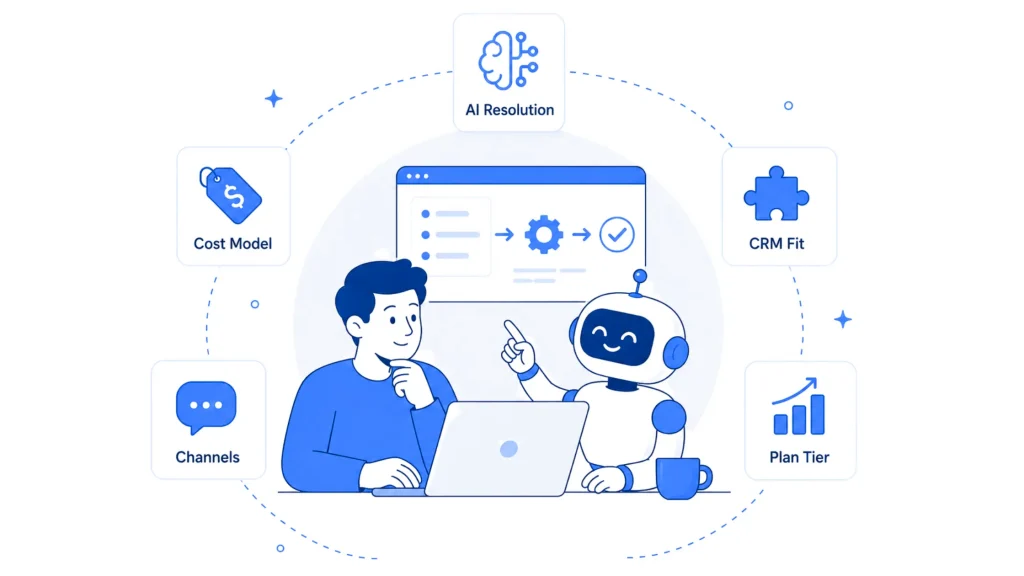
- Decide whether AI should resolve requests directly or assist agents working them. YourGPT and Intercom’s Fin are built to close a conversation without a human touching it. Freshdesk and Front lean more on AI to help an agent respond faster. Test this directly during a demo with a real question pulled from the team’s own queue.
- Model the AI cost at real conversation volume, not the seat price. Freddy, Fin, Lyro, Breeze, and Zendesk’s AI Agents all charge separately from the base plan, whether per resolution or per credit. A platform that looks cheaper on the pricing page can end up costing more once AI usage is added in, particularly for the per-resolution products.
- Check whether support needs to live inside a CRM or stand alone. HubSpot Service Hub only makes full sense if support tickets need to sit next to deals and marketing activity. A standalone help desk works better for teams whose CRM lives somewhere else entirely.
- Match the channel list to where customers reach the business. WhatsApp, Instagram, and voice aren’t equally supported across this list. Confirm native support rather than a paid integration before committing, since the gap shows up in both cost and reliability later.
- Price out the plan the team will need, not the entry tier. Zoho Desk’s own $7 headline rate is a good example of how the advertised number and the plan a team ends up needing can be two different things. Run the same check against whichever Zoho Desk competitors make the shortlist, comparing Standard, Professional, or the equivalent middle tier since that’s usually where teams land.
Frequently Asked Questions
What Is the Biggest Difference Between Zoho Desk and the Alternatives on This List? ▼
Most competitors gate the same features Zoho Desk gates (deeper AI, live chat, advanced routing) behind Professional or Enterprise tiers. The real differentiator is the AI model itself. YourGPT and Intercom’s Fin build agents meant to resolve requests directly, while Freshdesk, Zendesk, and HubSpot Service Hub still route everything into a ticket first and use AI mainly to help an agent work that ticket faster.
Is There a Genuinely Free Zoho Desk Alternative? ▼
Help Scout offers a free plan for up to 5 users, and Tidio’s free tier covers 50 billable conversations a month with 10 seats. Zoho Desk’s own free plan covers 3 agents. None of these free tiers include the AI features most teams need, so treat them as a way to test the interface rather than a long-term free solution.
Does Switching Help Desks Mean Losing Existing Ticket History? ▼
Most platforms on this list, including Freshdesk, Zendesk, and Help Scout, offer CSV or API-based ticket import tools, and several list Zoho Desk specifically as a supported migration source in their own documentation. Historical tickets usually import as read-only records rather than live, workable tickets, so plan to keep Zoho Desk accessible in read-only mode for a transition period rather than migrating everything on day one.
Which Alternative Fits a Small Team on a Tight Budget? ▼
Help Scout’s Standard plan at $25 per user a month and Freshdesk’s Growth plan at $29 per agent a month are the two lowest full-featured entry points on this list. Tidio’s free tier works for very low chat volume, and YourGPT’s Essential plan at $39 a month covers a full team under one flat price rather than a per-agent fee, which can work out cheaper for teams larger than 3 or 4 people.
Can Any of These Tools Connect Natively to WhatsApp or Instagram? ▼
Yes. YourGPT, Front, and Tidio all support WhatsApp and Instagram as native channels rather than paid add-ons. Zendesk and Intercom support these channels too, but usually through a Suite or Advanced-tier plan rather than the entry tier. Freshdesk and Help Scout support these channels starting on their mid-tier plans.
What Does a Team Give Up by Switching From Zoho Desk to YourGPT? ▼
Zoho Desk’s Blueprint process builder and its tight ties to other Zoho apps have no direct equivalent in YourGPT, since YourGPT is built around AI agents and conversational workflows rather than a Zoho-style automation engine. Teams that depend heavily on Zoho’s other business apps for cross-app automation should weigh that tradeoff before switching. Teams whose main complaint was gated AI, a ticket-first model, or per-agent pricing tend to find the tradeoff worth it.
Why Do Some of These Platforms Charge Per Agent While Others Charge Per Conversation? ▼
Zendesk, Freshdesk, Intercom, Help Scout, HubSpot Service Hub, and Front all price around the number of agent seats a team buys, so the bill rises directly with headcount. Tidio prices around billable conversations instead, and YourGPT prices around a flat credit allowance per tier. Neither model is better on its own. Per-agent pricing is easier to estimate at small team sizes, while usage-based pricing can work out cheaper for teams running heavy AI deflection with fewer agents touching each ticket.
How Long Does Switching From Zoho Desk Typically Take? ▼
For a small team, most of these platforms can get set up and start taking live tickets within a day or two, since the core steps (connecting an email or domain, importing a knowledge base, inviting agents) are similar across tools. The longer stretch is usually configuring automation rules, SLAs, and AI training to match what Zoho Desk already had tuned, which can take a few weeks for teams with complex workflows.
Conclusion
Zoho Desk’s pricing is hard to beat at the entry level, but the AI, live chat, and process automation most teams want sit behind Professional and Enterprise, which is why the search for alternatives usually starts there rather than with the interface itself. The platforms above split cleanly into two camps. One is AI-first agent platforms built to resolve requests directly.The other is ticket or inbox tools that give agents more room to work than Zoho Desk’s entry tiers allow.
Neither camp is objectively better. The right pick depends on whether a team wants fewer tickets or a stronger version of the ticket queue it already runs. Before signing anything, price the AI add-on at real conversation volume, since that’s the line most of these vendors leave off the pricing page.

Related posts
9 Customer Success Tools Compared for 2026